

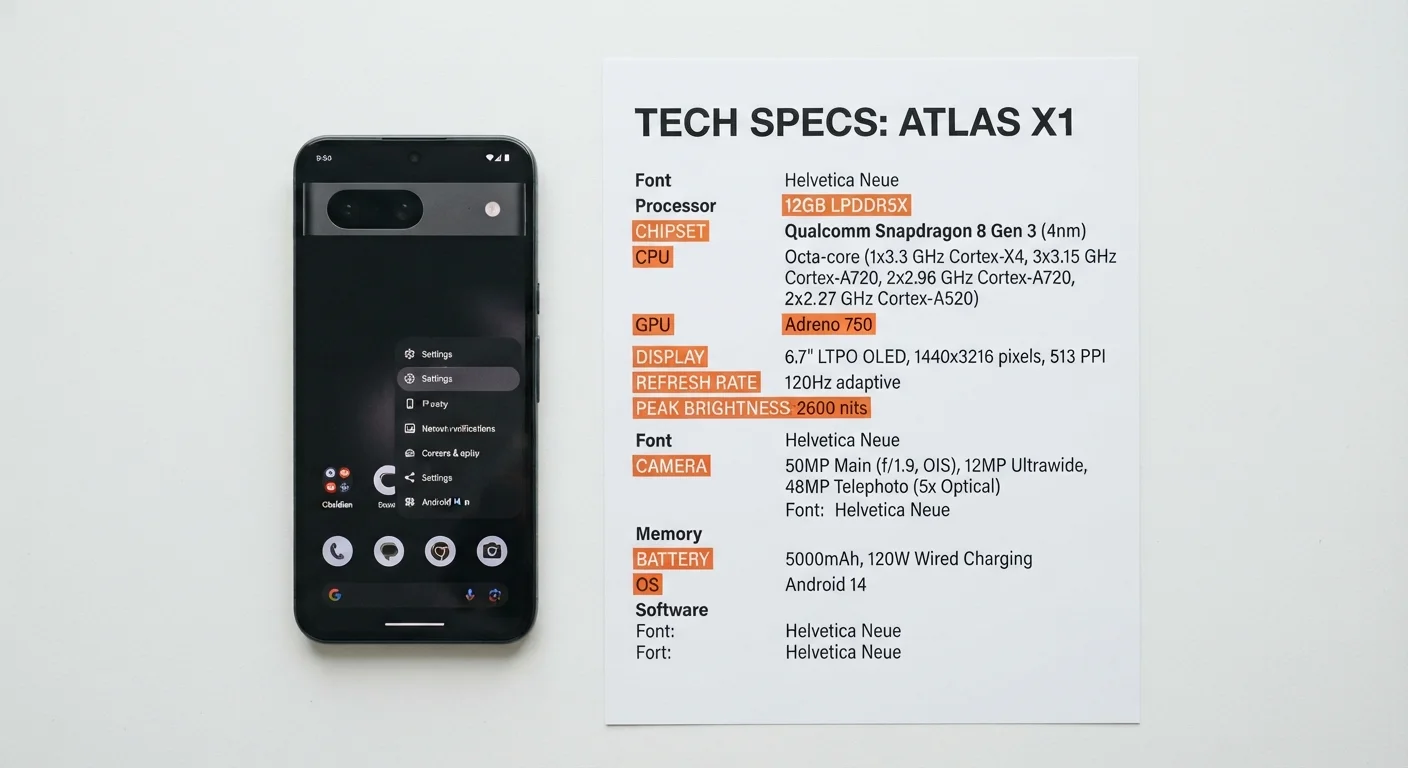
| Typical RAM range (modern phones) | 6 GB – 16 GB |
| Common storage sizes | 128 GB, 256 GB, 512 GB |
| Outdoor-readable brightness threshold | ~1,000 nits (General industry guideline) |
| IP68 water resistance depth | Up to 1.5 m for 30 min (standard test) (IEC 60529 standard) |
| Standard display refresh rate | 60 Hz |
| High refresh rate displays | 90 Hz – 144 Hz |
Why Specs Feel Confusing (And Why They Don't Have To)
Shopping for a smartphone — or just trying to understand the one you already own — means wading through a wall of acronyms: GHz, mAh, nits, IP68. These numbers aren't arbitrary marketing language. Each one describes a real, measurable aspect of how your phone works. Once you know what the terms mean, you can quickly judge whether a spec is relevant to your daily life.
This guide decodes the most common smartphone specifications in plain language. For a deeper look at how all these parts fit together, see our full smartphone explainer.
RAM
Random Access Memory — the short-term working memory your phone uses to keep apps open and responsive. More RAM generally means smoother multitasking.
Processor (SoC)
The System on a Chip — a single component that handles everything from running apps to processing photos. Clock speed (GHz) and the number of cores both influence performance.
Nits
A unit of screen brightness. Higher nit values mean the display is easier to read in direct sunlight.
IP Rating
Ingress Protection rating — a standardized measure of how well a device resists dust and water. IP68, for example, means dust-tight and water-resistant to a specified depth.
mAh
Milliamp-hour — a unit measuring battery capacity. A higher mAh number means more stored energy, though real-world battery life also depends on software and screen usage.
Refresh Rate (Hz)
How many times per second the screen redraws its image. A 120 Hz display updates twice as often as a 60 Hz one, making scrolling feel noticeably smoother.
Processor, RAM, and Storage: The Performance Numbers
Processor (GHz and cores): The processor — sometimes called the chip or SoC — is the brain of the phone. You'll see clock speeds listed in gigahertz (GHz) and a core count (quad-core, octa-core, etc.). Higher GHz and more cores generally mean faster performance, but the chip's architecture and software efficiency matter just as much as raw numbers.
RAM: Think of RAM as your phone's desk space — it determines how many apps can stay open and ready at once. Most users find 6–8 GB comfortable for everyday tasks. If you frequently switch between many apps or edit video, more RAM helps.
Internal Storage: This is where your photos, apps, and files live permanently. Unlike RAM, storage doesn't clear when you restart. If you take a lot of photos or download media, opt for more storage. For a deeper look at how storage interacts with cloud services, see our storage and cloud guide.
| Typical RAM range (modern phones) | 6 GB – 16 GB |
| Common storage sizes | 128 GB, 256 GB, 512 GB |
| Outdoor-readable brightness threshold | ~1,000 nits (General industry guideline) |
| IP68 water resistance depth | Up to 1.5 m for 30 min (standard test) (IEC 60529 standard) |
| Standard display refresh rate | 60 Hz |
| High refresh rate displays | 90 Hz – 144 Hz |
Display Specs: What Makes a Screen Look Good
Resolution: Measured in pixels (e.g., 1080×2400), resolution determines how sharp text and images appear. On a phone-sized screen, anything above 1080p is generally crisp enough that most people can't distinguish individual pixels.
Refresh rate (Hz): A 60 Hz display redraws 60 times per second; 120 Hz doubles that. The difference is most noticeable when scrolling — higher refresh rates feel smoother and more fluid. The trade-off is slightly more battery drain.
Brightness (nits): Nits measure how bright the screen can get. Around 400–500 nits is comfortable indoors; you generally need 1,000 nits or more for comfortable outdoor use in sunlight.
120 Hz
Refresh rate found on many flagship phones
At 120 Hz, a screen redraws twice as often as the 60 Hz standard, making motion and scrolling appear smoother.
IP68
Most common water-resistance rating on premium phones
IP68 is the highest common dust and water protection rating; exact depth and duration limits vary by manufacturer.
5,000 mAh
Typical large-battery capacity on modern phones
Battery capacities have grown steadily; many mid-range and flagship phones now ship with 4,500–5,000 mAh cells.
Battery, Durability, and Connectivity Ratings
Battery capacity (mAh): A higher mAh figure means more stored energy, but actual battery life depends heavily on screen-on time, 5G usage, and app behavior. Two phones with identical mAh ratings can have very different real-world endurance.
IP ratings: The IP (Ingress Protection) rating tells you how well the phone resists dust and water. The first digit covers dust (6 = fully dust-tight); the second covers water (8 = can withstand submersion under controlled lab conditions). IP68 is the most common high-end rating, though actual protection depth varies by manufacturer. This isn't a green light to go swimming — it's a safeguard against splashes and rain.
Wireless specs (Wi-Fi 6, 5G, Bluetooth 5.x): These indicate which wireless standards the phone supports. Wi-Fi 6 offers faster speeds on compatible routers; 5G connects to next-generation cellular networks. For a plain-language breakdown of speed figures, see our internet speed explainer.
Specs Don't Tell the Whole Story
A phone with impressive numbers on paper can still feel sluggish if the software is poorly optimized. Conversely, a modest spec sheet paired with efficient software often delivers a smooth, responsive experience. Use specs as a guide, but pay attention to real-world reviews and hands-on impressions too.