

| Unit of internet speed | Mbps (megabits per second) |
| Bits in one byte | 8 bits |
| 1 Gbps equals | 1,000 Mbps |
| Latency unit | Milliseconds (ms) |
| Good latency for video calls | Under 50 ms |
| Minimum for 4K streaming | ~25 Mbps per stream |
The Core Unit: What Mbps Actually Means
Nearly every broadband plan advertises speed in Mbps — megabits per second. This measures how much data can travel through your connection every second. The higher the number, the faster data moves.
One important distinction: internet speeds use bits, while file sizes on your device use bytes. There are 8 bits in a byte. So a 100 Mbps connection can theoretically transfer about 12.5 megabytes of data per second — not 100 megabytes. This is why downloads from a browser often show smaller numbers than your plan's advertised speed.
You may also see Gbps (gigabits per second) on newer fiber plans. One Gbps equals 1,000 Mbps — that's exceptionally fast and rarely a bottleneck for home use today.
| Unit of internet speed | Mbps (megabits per second) |
| Bits in one byte | 8 bits |
| 1 Gbps equals | 1,000 Mbps |
| Latency unit | Milliseconds (ms) |
| Good latency for video calls | Under 50 ms |
| Minimum for 4K streaming | ~25 Mbps per stream |
Download vs. Upload: They're Not the Same
Your internet plan almost always lists two speeds: download and upload. They work in opposite directions and are rarely equal.
- Download speed is how fast data comes to your device — streaming video, loading web pages, receiving emails with attachments.
- Upload speed is how fast data goes from your device — video calls, sending large files, posting photos, live streaming.
Most household internet plans are asymmetric, meaning download speeds are significantly higher than upload speeds. This made sense historically because most users consumed far more than they created. But with video calls and remote work now common, upload speed matters more than it once did. If your video calls look choppy to the other person, a slow upload connection is often the reason.
To understand more about how your device chooses between connection types, see when mobile data vs. Wi-Fi makes sense.
Latency and Ping: The Speed Numbers People Overlook
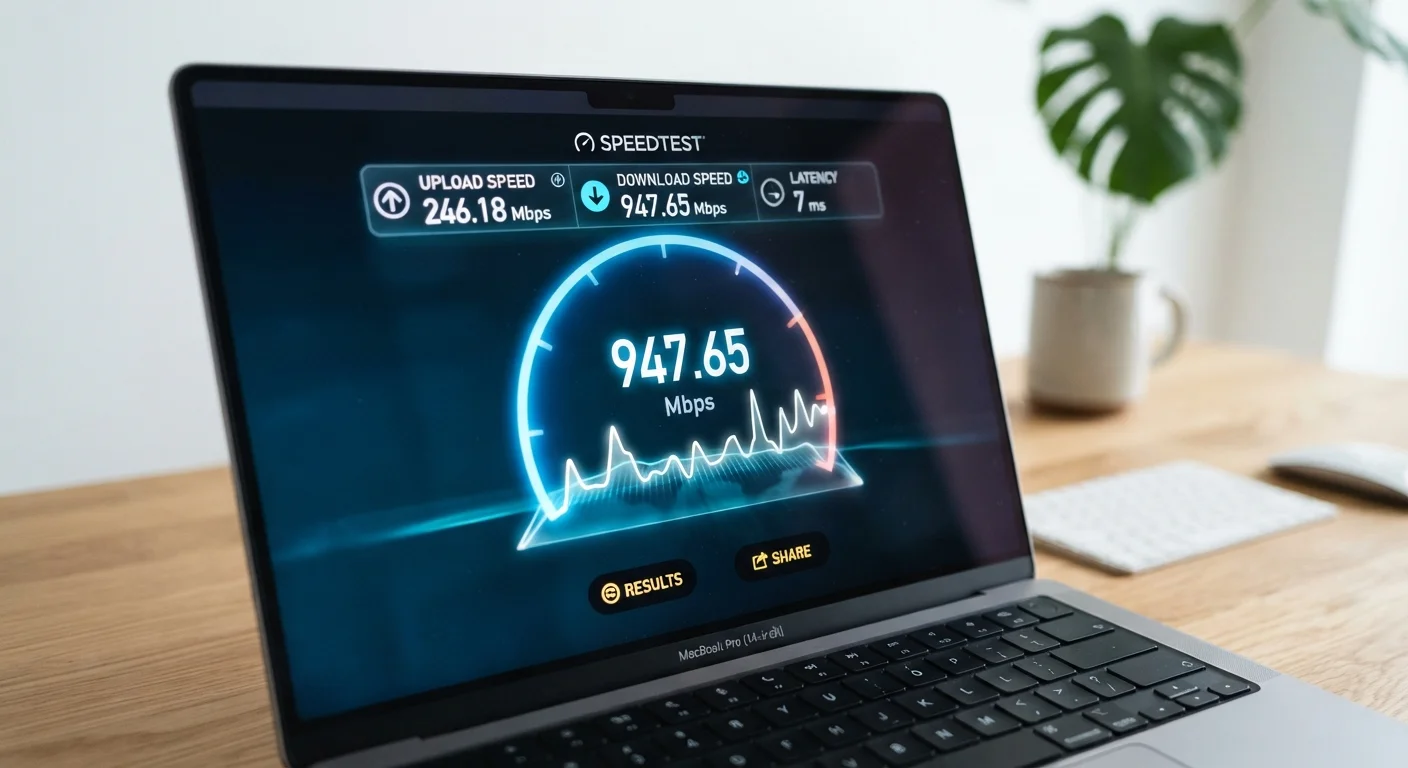
Raw Mbps tells you how much data can move — but latency tells you how quickly your connection responds. Latency is measured in milliseconds (ms) and represents the time it takes for a signal to travel from your device to a server and back.
You'll often see latency called ping on speed tests. Lower is better. Here's a rough guide:
- Under 20 ms — Excellent. Nearly imperceptible delay. Ideal for gaming and real-time video.
- 20–50 ms — Good. Suitable for most tasks including video calls.
- 50–100 ms — Acceptable for browsing and streaming, but may show in gaming.
- Above 150 ms — Noticeable lag. Video calls may stutter; online gaming suffers.
A high-Mbps connection with poor latency can still feel sluggish. Satellite internet, for example, can offer decent Mbps but high latency due to the distance signals must travel. Understanding both numbers together gives you a clearer picture of real-world performance.
Mbps
Megabits per second — the standard unit for measuring internet connection speed. Higher Mbps means more data can travel per second.
Latency
The time delay between sending a request and receiving a response, measured in milliseconds. Low latency means a connection feels snappy and responsive.
Ping
A practical measure of latency shown on speed tests. It reflects the round-trip time for a small data packet to reach a server and return to your device.
Asymmetric connection
An internet plan where download speed is significantly higher than upload speed. Most home broadband plans are asymmetric.
Bandwidth
The maximum capacity of a connection to carry data at once. More bandwidth means more devices or activities can share the connection without slowdowns.
Throughput
The actual amount of data successfully transferred in practice, which is often lower than the theoretical maximum bandwidth due to network conditions.
How Much Speed Do You Actually Need?
Advertised plan speeds are maximums under ideal conditions. In practice, your usable speed depends on how many devices share the connection simultaneously, router placement, network congestion, and wiring quality.
As a general reference — not a guarantee — common activities have rough minimum requirements:
- Email and basic browsing: 5–10 Mbps download
- HD video streaming (one screen): 5–15 Mbps download
- 4K video streaming: 25 Mbps or more per stream
- Video conferencing: 3–5 Mbps upload and download
- Online gaming: 15–25 Mbps download, low latency matters more than raw speed
A household with multiple people working, streaming, and gaming simultaneously may need considerably more headroom. The underlying mechanics of how data actually moves across the internet are worth understanding too — see how a web address turns into a loaded page for context on what happens behind the scenes.
25 Mbps
FCC's minimum broadband definition (download)
The U.S. Federal Communications Commission historically defined broadband as at least 25 Mbps download and 3 Mbps upload, though proposals to raise this threshold have been discussed.
8x
Bits vs. bytes difference
Because internet speeds are measured in bits and file sizes in bytes, a plan's Mbps figure is roughly 8 times larger than the megabytes-per-second download rate you'll see in most apps.
~600 ms
Typical satellite internet latency
Traditional geostationary satellite internet connections can have latency around 600 milliseconds due to the signal traveling tens of thousands of miles to orbit and back.