

Key Takeaways
Option A
Mobile Data
The always-available cellular connection.
Best for: Staying connected on the go when no trusted Wi-Fi network is available.
Option B
Wi-Fi
The faster, more economical home or office connection.
Best for: Streaming, downloading, and everyday browsing without eating into your data plan.
If you're at home streaming video or downloading large files
Wi-Fi
Wi-Fi typically delivers faster, more consistent speeds at home and won't deplete your monthly data allowance.
If you're traveling or away from a trusted network
Mobile Data
Cellular coverage follows you almost everywhere, and it avoids the security risks of unknown public Wi-Fi hotspots.
If you're using a café, airport, or hotel network
Mobile Data
Public Wi-Fi can expose your traffic to other users on the same network — mobile data keeps your connection private by default.
If you have a limited or expensive mobile data plan
Wi-Fi
Switching to Wi-Fi whenever possible protects you from overage charges and makes your data plan stretch further.
If your home Wi-Fi is unreliable or congested during peak hours
Mobile Data
A strong cellular signal can outperform a congested home network, especially for time-sensitive tasks like video calls.
What's Actually Different Between the Two
Mobile data (also called cellular data) connects your phone to the internet through your carrier's cell towers — the same network your calls travel over. It uses radio signals broadcast across geographic areas, so coverage depends on where those towers are located and which network standard your carrier uses (like 4G LTE or 5G).
Wi-Fi connects your phone to a local wireless router, which is itself connected to the internet through a broadband service. Your router broadcasts a short-range signal — typically covering a home or small office — and your phone communicates with the internet through that router rather than through a cell tower.
The practical upshot: mobile data travels with you everywhere your carrier has signal; Wi-Fi is only available within range of a router you've joined. For a deeper look at how speed figures factor in to either connection, see our plain-language guide to broadband speed numbers.
| Criterion | Mobile Data | Wi-Fi |
|---|---|---|
| Availability | Anywhere with cell coverage | Within router range only |
| Typical speed | Varies; 4G/5G can be fast | Often faster at home |
| Counts toward data cap | Yes | No |
| Security on public networks | Encrypted by default | Varies; public Wi-Fi can be risky |
| Setup required | None — always on | Must join a network |
| Best for large downloads | Not ideal | Yes |
| Works during internet outage | Yes, if cell signal is up | No |
When Wi-Fi Is the Right Choice
Wi-Fi tends to win for anything data-heavy that you're doing in a fixed location. Streaming high-definition video, downloading apps, backing up photos to the cloud, or running software updates are all tasks that can consume gigabytes in minutes. Doing them over mobile data can drain your monthly allowance fast — or trigger overage charges if your plan has a hard cap.
Home Wi-Fi is also typically faster than mobile data for most users, especially if you have a modern router and a reasonable broadband plan. Latency — the small delay between sending a request and getting a response — is often lower on a stable home Wi-Fi connection too, which matters for video calls and gaming.
One caveat: Wi-Fi speed can degrade during busy periods. If you've ever noticed your connection crawling after dinner, network congestion and router placement are likely the culprit.
~60%
Global web traffic from mobile devices
Statcounter data consistently shows mobile devices account for roughly 60% of global web traffic, underscoring how central cellular and Wi-Fi decisions are to everyday internet use.
4–5 GB
Average monthly mobile data used per US user
Industry estimates from CTIA and Ericsson suggest the average US smartphone user consumes several gigabytes of mobile data monthly, with much more used over Wi-Fi.
When Mobile Data Makes More Sense
The most obvious case for mobile data is simply being away from home — commuting, traveling, or anywhere a reliable Wi-Fi network isn't available. But there's a less obvious reason to prefer it: security.
Public Wi-Fi networks — in coffee shops, airports, hotels — are shared with strangers. On an unsecured or poorly configured network, other users could potentially intercept unencrypted traffic. Mobile data, by contrast, is encrypted by default between your phone and the cell tower, making it a meaningfully safer choice for sensitive activities like mobile banking or logging into accounts. Our article on what actually happens on public Wi-Fi explains the specific exposure in plain terms.
Mobile data also doesn't require any setup or login, which matters when you need a connection instantly. And on modern 5G networks, cellular speeds in urban areas can rival or exceed many home broadband connections.
What About Using Your Phone as a Hotspot?
A mobile hotspot lets you share your phone's cellular connection with other devices — turning your phone into a portable Wi-Fi router. This can be useful when no Wi-Fi is available, but the data those other devices use comes directly out of your mobile data plan. Many carriers also apply separate hotspot data limits or lower speeds after a threshold, so check your plan terms before relying on it heavily.
How Your Phone Decides Which to Use
By default, your phone is set to prefer Wi-Fi over mobile data whenever you're connected to a network. The logic is simple: Wi-Fi doesn't count against your data plan, so the operating system uses it first when available.
However, your phone can switch to mobile data automatically if it detects that a Wi-Fi network has no actual internet access — even if the signal bars look fine. Some phones also use a feature called Wi-Fi Assist (on iPhone) or Adaptive Connectivity (on some Android devices) that switches to cellular if the Wi-Fi signal drops too weak, which can catch people off guard when it quietly consumes data.
You can control these behaviors in your phone's settings. On most devices, you'll find options to disable automatic switching or restrict background data to Wi-Fi only. The settings menus differ somewhat between platforms — for a broader look at how Android and iOS handle these kinds of system-level choices differently, see our comparison of Android and iOS.
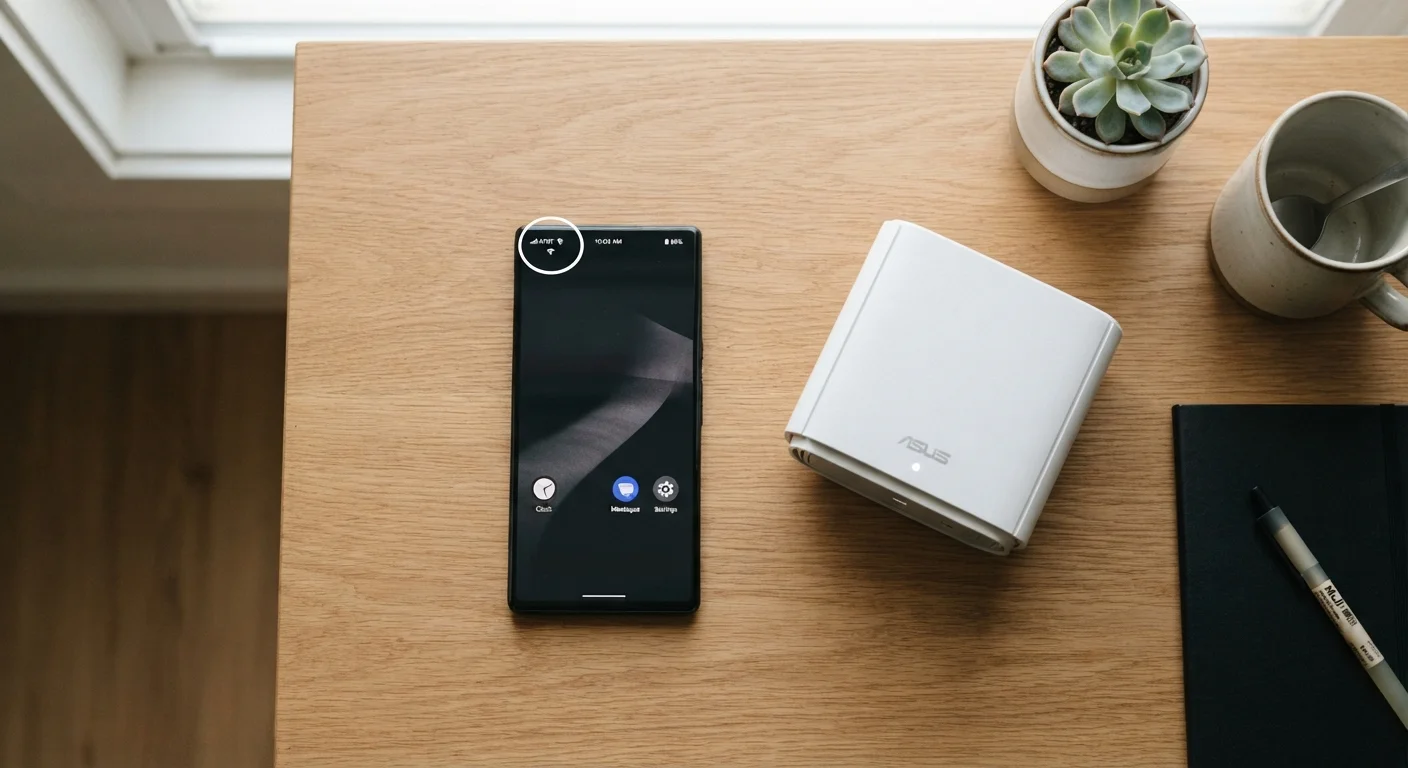
Understanding which connection your phone is using — and why — is a small habit that can protect both your privacy and your monthly bill. Check your status bar icons regularly: the Wi-Fi fan shape means you're on Wi-Fi; signal bars with a data indicator (like LTE or 5G) mean you're on cellular.