

Key Takeaways
Network Congestion
Network congestion happens when more data is being requested across a shared network than the infrastructure can efficiently handle at one time. In residential areas, your home connects to the internet through cables or fiber lines shared with many of your neighbors. When everyone in the neighborhood logs on at the same time — typically in the evening — overall speeds slow down for all users on that shared segment.
Internet service providers (ISPs) use a model called 'contention ratio' to describe how many customers share the same upstream bandwidth. During peak hours, a high contention ratio directly translates to reduced throughput for individual subscribers.
The Real Reason Speeds Drop After Dinner
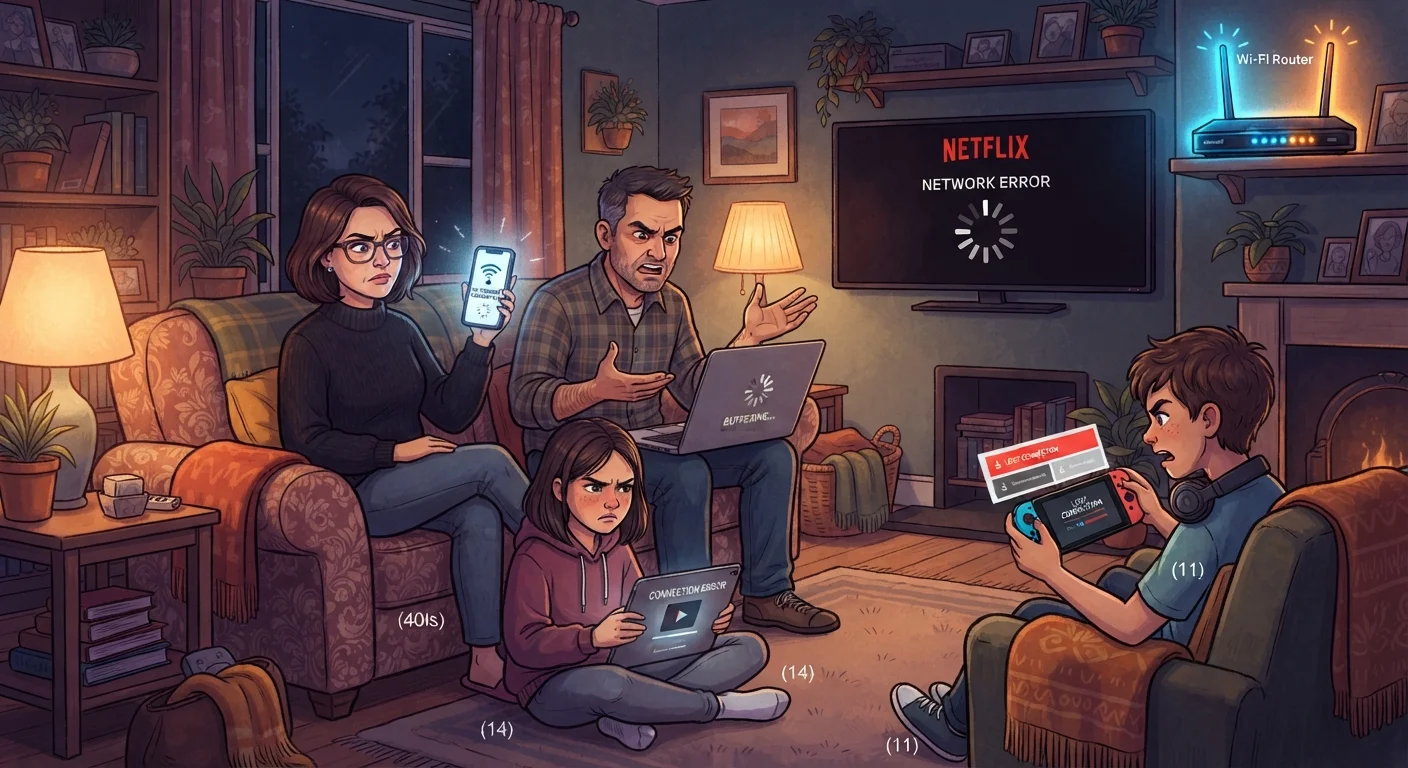
If your streaming buffers, video calls stutter, or pages load sluggishly right around the time you settle in for the evening, you're not imagining it — and your router probably isn't broken. The core issue is network congestion, a traffic-jam effect that hits residential internet connections hardest between roughly 7 p.m. and 11 p.m.
Your home doesn't have a direct, private pipeline to the internet. Instead, your connection travels through infrastructure — cables, fiber, or other lines — shared with dozens or even hundreds of nearby households. When everyone in your neighborhood starts streaming, gaming, or video calling at the same time, all of those requests compete for the same limited capacity. The result is slower speeds across the board.
This is a known challenge for internet service providers. The bandwidth they provision per neighborhood is sized around average usage, not peak-hour demand. During off-peak hours, like early morning, those same lines feel fast because almost no one else is using them.
7–11 p.m.
Typical peak congestion window for residential internet
Commonly referred to as 'peak hours' by ISPs, this window consistently sees the highest simultaneous user demand on shared network infrastructure.
2.4 GHz
Most congested Wi-Fi band in dense neighborhoods
The 2.4 GHz band has only three non-overlapping channels, making it prone to interference when many nearby networks operate simultaneously.
What's Happening Inside Your Home
While outside congestion is often the main culprit, your own household adds another layer. Every device actively using your connection — a smart TV streaming in 4K, a gaming console downloading an update, a laptop on a video call — draws from your total available bandwidth simultaneously.
Think of your home internet connection as a water pipe. Each device running at the same time opens a tap. Open enough taps at once and the pressure everywhere drops. In most households, the evening hours are when this pressure drop is most pronounced, because it coincides with peak usage both inside and outside the home.
Router placement matters too. A router tucked behind a television cabinet, on the floor, or in a closet loses significant signal strength. Walls, appliances, and furniture all absorb or deflect wireless signals. During peak hours when conditions are already stressed, a poorly placed router amplifies the problem.
Schedule Downloads for Off-Peak Hours
Many routers, gaming consoles, and operating systems allow you to schedule large downloads or system updates. Setting these to run between midnight and 6 a.m. keeps your evening bandwidth free and takes advantage of faster off-peak network speeds. Check your device's settings under 'automatic updates' or 'download scheduling.'
Wi-Fi Bands and Interference
Most modern routers broadcast on two frequencies: 2.4 GHz and 5 GHz. The 2.4 GHz band travels farther but is more congested, especially in apartments or densely packed neighborhoods where it's shared among many competing networks. The 5 GHz band is faster and less crowded but has shorter range.
In the evening, when more of your neighbors' devices are also online, interference on the 2.4 GHz band tends to peak. If your devices default to 2.4 GHz, switching them to 5 GHz — for those close enough to the router — can yield a noticeable improvement.
Understanding when Wi-Fi and mobile data each take over can also help you make smarter decisions on devices that support both connections.
Your ISP May Throttle Certain Traffic
Some internet service providers apply traffic management practices that reduce speeds for specific types of content — such as video streaming — during peak hours. This is separate from general congestion and can be harder to diagnose at home. If you suspect this, running a speed test using different types of connections or services may reveal a pattern worth discussing with your provider.
What You Can Actually Do About It
Some causes of evening slowdowns are outside your control — your ISP's infrastructure is one of them. But there are practical steps that can reduce the impact:
- Move your router to a central, elevated location away from thick walls and large appliances.
- Prioritize bandwidth by pausing large downloads or updates until overnight, when congestion eases and speeds recover.
- Check your router's QoS settings (Quality of Service) — many routers let you prioritize traffic for specific activities like video calls.
- Switch bands — connect devices near the router to the 5 GHz network if your router supports it.
- Contact your ISP — if severe slowdowns are consistent, ask specifically about congestion in your area. Upgrading a plan doesn't always help if the bottleneck is shared infrastructure.
If your phone's connection also feels unreliable in the evenings, it's worth knowing when mobile data is a better choice than Wi-Fi — sometimes temporarily switching off Wi-Fi is a quick workaround.