

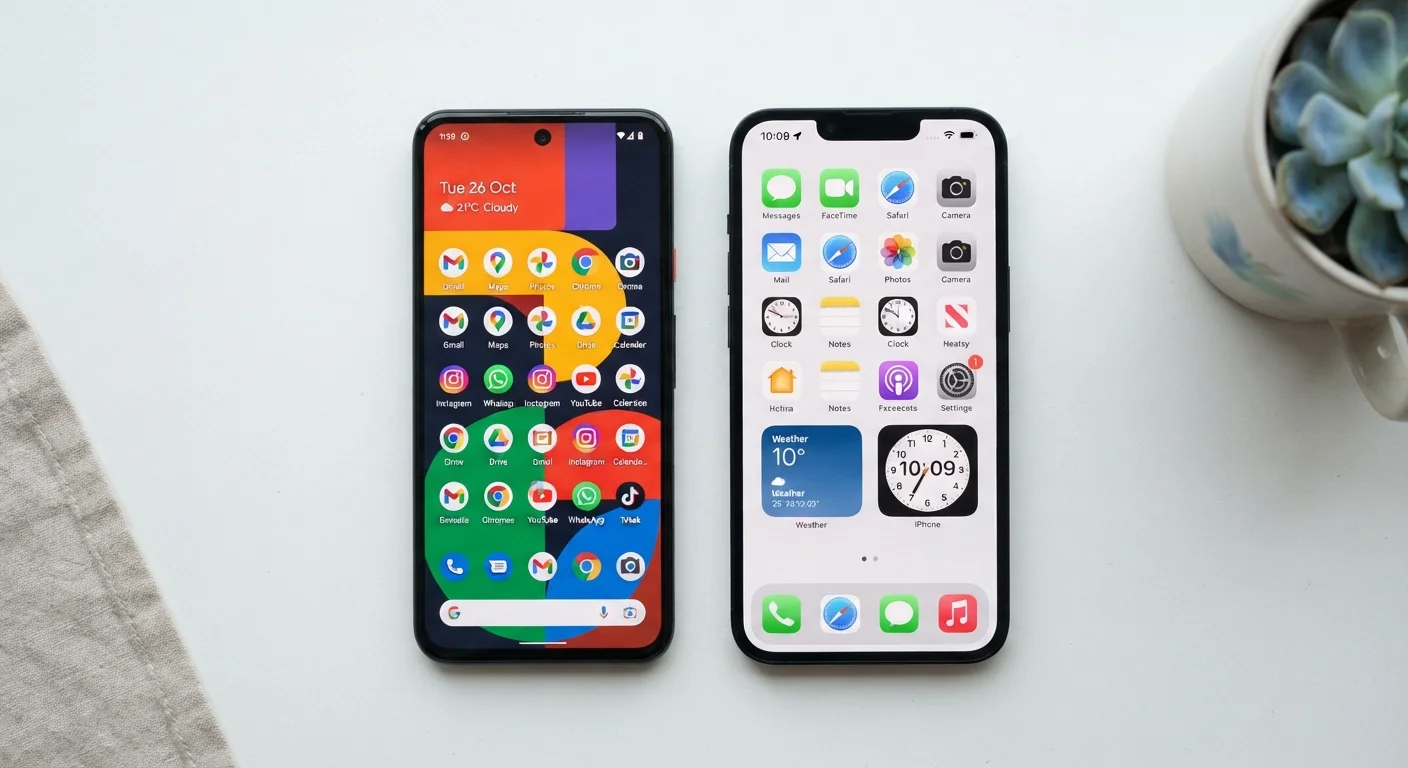
Key Takeaways
Option A
Android
The open, flexible, widely available platform.
Best for: Users who want hardware variety, deeper customization, and more control over how their phone behaves.
Option B
iOS
The tightly integrated, streamlined Apple experience.
Best for: Users who prioritize a consistent, secure, and simple experience across Apple devices.
If you want maximum hardware choice and a lower entry price
Android
Android runs on hundreds of devices across a wide range of price points, giving you far more options than a single manufacturer can offer.
If you already use a Mac, iPad, or Apple Watch
iOS
iOS integrates deeply with other Apple products, letting you share files, calls, and messages seamlessly across devices.
If reliable, timely security updates matter most to you
iOS
Apple pushes updates directly to all supported iPhones at once, whereas Android updates depend on your device maker and carrier.
If you want to customize your phone's layout, defaults, and apps
Android
Android lets you change default apps, rearrange your home screen freely, and install apps from sources outside the official store.
If you share a lot of content with friends and family on the same platform
Either — match what your close contacts use
Features like iMessage and AirDrop work only within Apple's ecosystem, while Android's cross-platform tools generally work with anyone.
The Core Difference: Open vs. Closed
Android is developed by Google and is open-source — meaning the underlying code is publicly available and manufacturers like Samsung, Motorola, and others can adapt it for their own devices. iOS, developed by Apple, is a closed system that runs exclusively on iPhones (and iPadOS on iPads). You cannot legally install iOS on a non-Apple device, and Apple controls every layer of the experience.
This foundational difference shapes everything else: how updates arrive, which apps you can install, how much you can personalize your phone, and which other gadgets work with it seamlessly. To understand how an operating system fits into your phone overall, see our full smartphone explainer.
| Criterion | Android | iOS |
|---|---|---|
| Hardware availability | Many manufacturers, wide price range | Apple iPhone only |
| Software update delivery | Varies by manufacturer and carrier | Direct from Apple, simultaneous rollout |
| App sources | Google Play + sideloading allowed | App Store only (with limited exceptions) |
| Home screen customization | Highly flexible, interchangeable launchers | More structured, improving over time |
| Default app changes | Broad options for browsers, email, maps | Limited but expanding set of defaults |
| Cross-device integration | Works well with Google services and some third-party tools | Deep integration with Mac, iPad, Apple Watch |
| Privacy tracking controls | Granular permissions, privacy dashboard | App Tracking Transparency, granular permissions |
App Access and What You Can Install
On iOS, apps come from the App Store — Apple reviews every submission before it goes live. On Android, apps come from the Google Play Store by default, but you can also sideload apps (install them from outside the official store) if you enable that option in settings. This openness is powerful but carries risk: sideloaded apps don't go through the same security review process.
Both stores carry millions of apps, and the most popular services are available on both platforms. However, some apps launch on one platform before the other, and a handful of apps remain exclusive to one ecosystem. For a broader look at what apps actually are and how they differ from websites, see our guide to native apps vs web apps.
72%
Global smartphone market share held by Android
According to StatCounter's global market share data, Android consistently accounts for roughly 70–75% of smartphones worldwide, with iOS making up most of the remainder.
~57%
U.S. smartphone market share held by iOS
In the United States, iOS holds a majority share, reflecting the strong consumer preference for iPhones in North America compared to global averages.
Software Updates: Timing and Consistency
Apple delivers iOS updates directly to all supported iPhones at the same time. When a new iOS version drops, every eligible device gets it simultaneously. Android updates work differently: Google releases a new Android version, then device manufacturers adapt it for their hardware, and carriers sometimes add another layer of review before it reaches your phone. This can mean weeks or months of delay — and some older Android devices stop receiving updates sooner than comparable iPhones.
Security patches matter here. Delayed updates leave known vulnerabilities unaddressed for longer. If you've ever wondered why apps keep nudging you to update, this article on app updates explains the security reasoning behind those prompts.
Privacy Controls and Data Practices
Both Android and iOS have added meaningful privacy features in recent years, including controls over which apps can access your location, camera, microphone, and contacts. iOS introduced App Tracking Transparency, which requires apps to ask permission before tracking your activity across other apps and websites. Android offers similar granular controls and has expanded its privacy dashboard in recent versions.
The key difference is in the business model: Apple earns most of its revenue from hardware and services, while Google's core business is advertising supported by data. This doesn't mean Android is unsafe — but it does mean the incentive structures differ. Both platforms let you review and limit app permissions in your settings, which is worth doing regularly.
Neither Platform Is Automatically More Secure
Security depends heavily on user behavior — keeping software updated, using strong passwords, and being cautious about which apps you grant permissions to. Both Android and iOS have experienced vulnerabilities over time. Platform choice matters less than practicing consistent digital hygiene. For related reading on how your phone connects to the outside world, see our explainer on mobile data vs Wi-Fi.
Customization and Ecosystem Lock-In
Android gives you more freedom to reshape how your phone looks and works. You can set third-party apps as defaults for email, browsers, or navigation, place widgets anywhere on your home screen, and choose from a wide variety of launchers — apps that replace the home screen entirely. iOS has become more flexible over the years (you can now change default browsers and email apps), but it still maintains tighter guardrails.
Ecosystem lock-in is worth thinking about honestly. If you're heavily invested in iCloud, iMessage, or AirPods, switching to Android means losing seamless access to those. Similarly, if your contacts all use Android features like Google Photos sharing or Google Messages RCS, switching to iPhone may change how those conversations work. Choosing a platform is partly a social and practical decision, not just a technical one. For a balanced view of what smartphones cost you beyond the purchase price, see the overlooked downsides of smartphone ownership.