

Key Takeaways
App Update
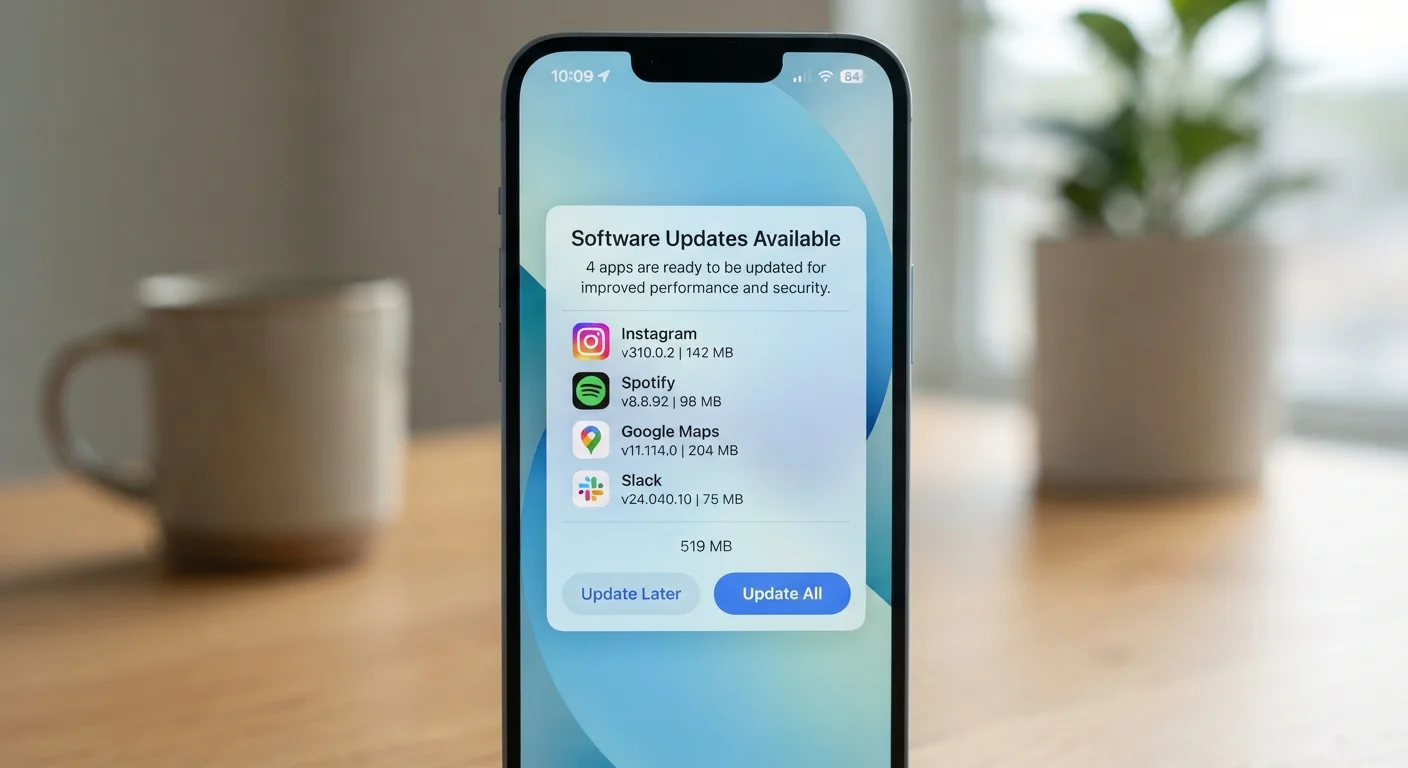
An app update is a new version of a software application released by its developer to replace the version currently installed on your device. Updates can deliver security fixes, bug repairs, performance improvements, or new features. When your phone prompts you to update an app, it's signaling that a newer, improved version is available.
Updates are distributed through platform stores (such as the App Store or Google Play) and replace specific files or code within the installed app package — they do not require a full reinstall in most cases.
The Real Reasons Apps Want You to Update
That persistent badge on your App Store or Google Play icon isn't just a developer's way of asking for attention. App updates serve several distinct purposes, and knowing what's behind each prompt helps you make smarter decisions about when — and why — to act.
Security patches are the most important category. Software vulnerabilities — flaws in code that attackers can exploit — are discovered regularly in popular apps. When developers identify a vulnerability, they write a fix and push it as an update. Until you install it, that flaw remains open on your device. This is why security researchers and app stores consistently urge users to update promptly.
Bug fixes address errors that cause crashes, freezes, or unexpected behavior. These aren't security threats, but they affect how reliably an app works day to day.
Compatibility updates keep apps aligned with changes in the underlying operating system. When Apple or Google releases a new version of iOS or Android, apps sometimes need adjustments to continue working correctly. To learn more about how the two platforms handle updates differently, see how Android and iOS handle apps and updates.
Feature additions are what most people assume updates are about — new tools, redesigned interfaces, or expanded capabilities. These matter, but they're rarely urgent.
60%+
Of breaches linked to unpatched vulnerabilities
Security research consistently shows that a majority of successful cyberattacks exploit known vulnerabilities for which patches already existed but were not applied.
Millions
App updates distributed daily via major stores
Apple's App Store and Google Play together process millions of app updates each day across their global user bases, reflecting constant developer activity.
What Actually Happens When You Skip Updates
Delaying an update for a day or two is rarely a problem. But habitual avoidance compounds risk over time in ways that aren't always visible until something goes wrong.
Security exposure grows. Once a vulnerability is publicly disclosed — which often happens when a patch is released — attackers know exactly what to look for in unpatched versions. Devices running outdated apps become easier targets. This is especially relevant for apps that handle sensitive information: banking, messaging, email, and health apps.
Features may break or disappear. Many apps rely on remote servers for core functions. When developers update their server-side systems to match the new app version, older versions of the app may lose access to those features, display errors, or simply stop connecting.
Apps can become incompatible with your phone's OS. If your phone's operating system updates but your apps don't, conflicts can develop. Some apps will crash; others will display incorrectly.
You may eventually lose the app entirely. Developers sometimes set a minimum supported version, below which the app refuses to run. At that point, the only option is to update — or find a replacement.
Update Banking and Messaging Apps First
If your update queue is long and your data connection is limited, prioritize apps that handle money, passwords, or personal communications. These are the highest-value targets for attackers and the most important to keep patched. Everything else can follow when bandwidth allows.
How to Handle Updates Without the Frustration
The good news is that staying current doesn't have to be a chore. A few simple habits cover most of the risk with minimal effort.
Enable automatic updates over Wi-Fi. Both iOS and Android allow apps to update automatically in the background when connected to Wi-Fi. This approach keeps you protected without requiring manual action. Most people find this the easiest and most effective option.
Batch-update periodically if you prefer manual control. If you'd rather review what's changing before installing, set a weekly or biweekly habit of opening your device's app store and updating everything available. Avoid letting the queue grow for months.
Prioritize updates for sensitive apps. If you only have time or bandwidth for some updates, start with apps that access your financial accounts, health data, email, or messages. These carry the highest risk when left unpatched.
Read the release notes selectively. Most update descriptions are brief, but they'll often flag when a security fix is included — a useful signal for prioritization.
Understanding what apps are doing in the first place also helps you weigh risk. Our guide to what app permissions really mean for your privacy walks through exactly that — including when it's reasonable to limit what an app can access.
Updates and Storage Space
If your device is low on storage, pending updates may fail to install. This can leave apps in a partially updated or broken state. Regularly clearing cached files or removing unused apps frees up space and keeps the update process running smoothly. Both iOS and Android have built-in storage management tools to help.