

Key Takeaways
Option A
Native Apps
The installed, device-integrated option.
Best for: Users who want offline access, fast performance, and deep hardware features like cameras or notifications.
Option B
Web Apps
The browser-based, install-free alternative.
Best for: Users who want quick access across devices without downloading anything or managing storage.
If you use a service daily and need speed or offline access
Native Apps
Native apps are optimized for your device and can work without an internet connection, making them more reliable for frequent, intensive use.
If you only use a service occasionally or switch between devices
Web Apps
Web apps need no installation and work on any device with a browser, so they're ideal for infrequent tasks or when you're not on your primary device.
If storage space on your phone is running low
Web Apps
Web apps consume no local storage because everything runs in the browser, making them a practical workaround when your device is nearly full.
If you need features like push notifications or camera integration
Native Apps
Native apps have direct access to device hardware and system features, which web apps can only partially replicate through the browser.
What Separates a Native App from a Web App
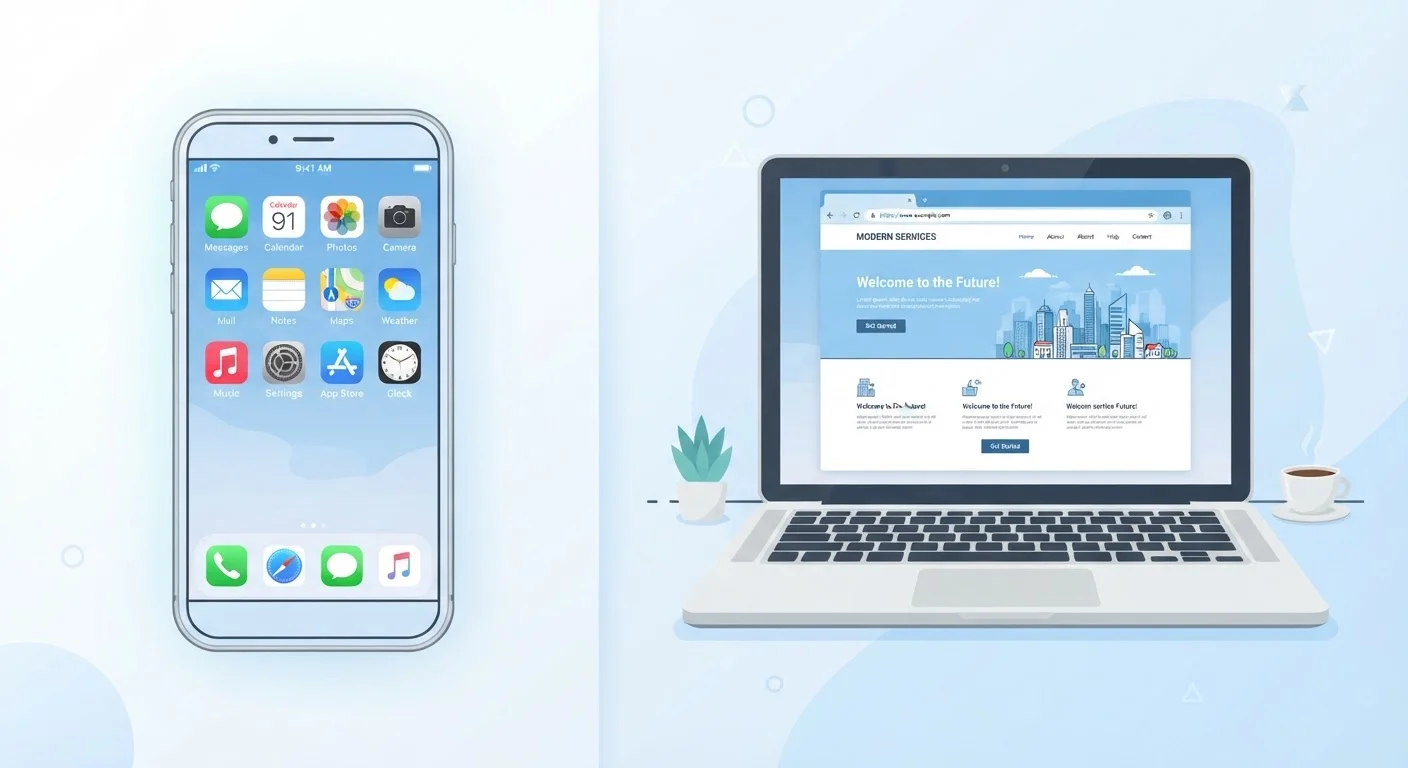
When you tap an icon on your phone's home screen, you're almost certainly launching a native app — software that was downloaded, installed directly on your device, and built specifically to run on that operating system (iOS or Android). Native apps are stored on your device's memory and can tap into hardware features like the camera, microphone, GPS, and accelerometer.
A web app, by contrast, runs inside your browser. When you visit a site like a web-based email service or an online document editor and use it like an app, that's a web app. Nothing is installed; the software lives on a remote server and is delivered to your browser on demand. Some web apps can be added to your home screen as a shortcut, but that doesn't make them native — they still load through the browser engine underneath.
The distinction matters because it affects performance, data use, and what the app can actually do. For a deeper look at how your connection type affects these experiences, see our guide on when Wi-Fi and mobile data take over.
| Criterion | Native Apps | Web Apps |
|---|---|---|
| Installation required | Yes — downloaded from app store | No — runs in browser |
| Works offline | Often yes | Usually no |
| Device storage used | Yes — can be significant | Minimal to none |
| Hardware access (camera, GPS) | Full access with permissions | Limited browser-level access |
| Push notifications | Reliable and consistent | Limited or unavailable |
| Updates | Manual download required | Automatic via server |
| Cross-device access | Must install on each device | Works on any device with a browser |
| Performance | Generally faster and smoother | Depends on browser and connection |
Performance, Storage, and Offline Access
Native apps tend to feel faster and smoother. Because they're built for a specific platform, developers can optimize them to use your device's processing power efficiently. They also store data locally, which means many features work even when you have no internet connection — think reading a downloaded article, editing a document, or checking a previously loaded map.
Web apps require a live connection to function fully. If your signal drops, most web apps will stall or show an error. Some modern web apps use a technology called service workers — background scripts that allow limited offline functionality — but this is less reliable than a fully native experience.
On the storage side, native apps take up space on your device, sometimes significantly. A single app might use hundreds of megabytes once it accumulates cached data. Web apps use virtually no local storage because the heavy lifting happens on the server. If your device is nearly full, clearing your cache or switching to web app versions of services can help reclaim space.
~230 billion
App downloads globally per year
According to data.ai (formerly App Annie), global app downloads have consistently exceeded 200 billion annually in recent years, reflecting how central native apps have become.
60%+
Mobile web traffic share
Statista and similar research firms consistently report that more than half of global web traffic now comes from mobile browsers, indicating web apps remain widely used alongside native ones.
Privacy, Permissions, and Updates
Native apps request permissions — access to your contacts, location, microphone, camera, and more. On both iOS and Android, you can review and revoke these at any time in your device settings. This transparency is useful, but it also means native apps potentially have access to more of your personal data than a web app ever could. For context on how app monetization relates to data, our piece on the hidden costs of free apps is worth reading.
Web apps are sandboxed inside your browser, meaning they can't access device hardware without explicit browser-level permission. This is more restrictive, which some users prefer. However, web apps can still collect data about your browsing behavior through cookies and tracking scripts — so they're not automatically more private.
Updates work differently too. Native apps require you to download and install each update — something developers prompt you to do regularly for security reasons. Web apps update silently on the server side; when you open your browser, you're automatically using the latest version. This is convenient but means you have no control over what changes. Our article on why apps ask you to update explains why skipping those prompts can create real security gaps. Also, if you use push notifications, native apps deliver them far more reliably — learn more about how push notifications work and whether they're worth enabling.
Progressive Web Apps: A Middle Ground
Some web apps now use a technology called Progressive Web Apps (PWAs). These are browser-based apps that can be added to your home screen, load faster, and even work offline to a degree. They're not the same as native apps — they still run through the browser engine — but they blur the line in useful ways. If a website prompts you to 'add to home screen,' it's likely offering a PWA experience.
Making the Right Call for Your Situation
There's no universal right answer. If you rely on a service every day — banking, messaging, navigation — a native app typically delivers a better experience. If you occasionally check a work tool or want access on a shared or unfamiliar device, a web app's zero-installation approach is the practical choice.
The operating system you use also shapes your options. Some apps are available on one platform but not the other, or offer meaningfully different feature sets. Our comparison of Android and iOS covers how each handles app permissions, updates, and security — useful context for understanding why the same app might behave differently depending on your phone. You can also explore more smartphone guides to get the most from your device.
Ultimately, understanding what each type of app is doing in the background helps you make smarter decisions about what you install, what permissions you grant, and when it makes sense to just open a browser instead.