

Key Takeaways
Summary
18 items · 30–60 minutes
Why Subscription Creep Happens to Almost Everyone
Signing up for a new app takes about thirty seconds. Canceling one — if you even remember it exists — can feel like a scavenger hunt. That mismatch is intentional: subscription businesses are designed to make starting easy and stopping friction-filled. The result is subscription creep, the gradual accumulation of small recurring charges that individually seem harmless but collectively drain your budget.
A free trial converts to a paid plan. A family member uses your login for one month and then stops. An app you used heavily during a project sits quietly billing you long after the project ends. These scenarios are so common that many people are paying for services they haven't opened in over a year.
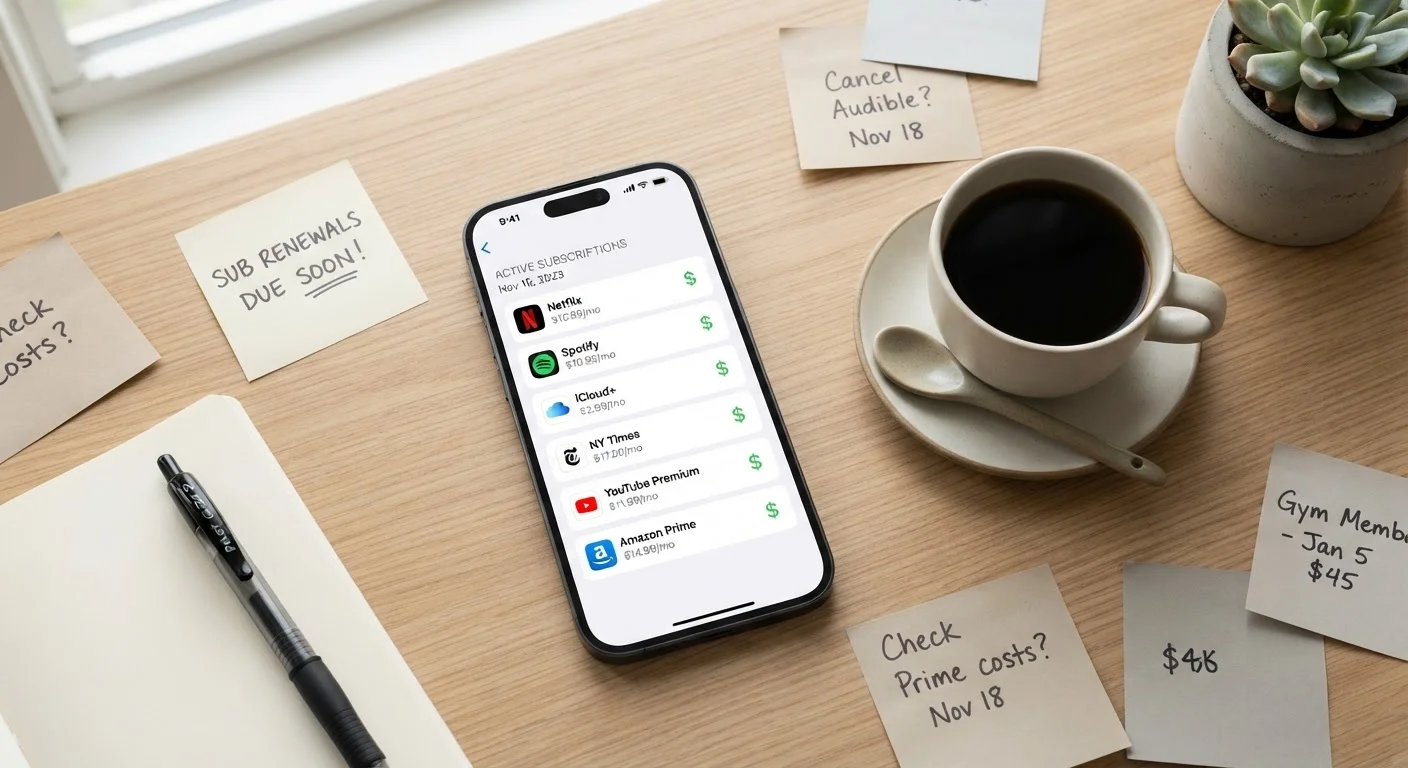
The checklist below gives you a systematic way to surface every charge, evaluate whether you're actually using each service, and cancel what you don't need. Think of it the same way you might review a financial policy — just as reviewing your insurance coverage annually helps you spot what you're paying for but no longer need, a subscription audit does the same for your digital life.
Gather Your Payment Sources
Audit Platform-Level Subscriptions
Identify Forgotten Trials and Overlaps
Evaluate and Cancel
Set Up Ongoing Prevention
Tools You'll Need for Your Audit
You don't need special software to complete this audit, but having the right information sources open will speed up the process significantly.
Apple Subscriptions Manager
Lists all active subscriptions billed through your Apple ID in one place, including renewal dates and prices.
Google Play Subscriptions
Shows every active subscription billed through your Google account, accessible from the Play Store app.
Email search (your primary inbox)
Searching for 'receipt,' 'invoice,' and 'subscription' surfaces billing confirmations for services not linked to app stores.
Bank and credit card online portals
Reviewing three to six months of statements helps identify recurring charges, especially annual ones that are easy to miss.
PayPal or digital wallet account
Subscriptions billed through digital wallets often don't appear on card statements and need a separate check.
Spreadsheet or notes app
Tracking each subscription's name, cost, renewal date, and status in one document keeps the audit organized and reusable.
Once you have access to these sources, work through the checklist methodically rather than jumping between steps. It's easy to feel like you've caught everything after the first pass — but charges often hide in secondary payment methods or old email accounts you rarely check.
Canceling an App Doesn't Cancel the Subscription
Deleting an app from your phone does not stop the recurring charge associated with it. Billing is managed at the account level — through Apple, Google, the developer's own website, or your payment provider. Always cancel through the platform or service settings directly, then verify the cancellation confirmation before removing the app.
Watch for Annual Renewals You've Stopped Noticing
Annual subscriptions can feel invisible because they only appear once a year on your statement. A charge that seemed reasonable when you signed up last winter may now represent a service you rarely use. Make sure your audit covers at least twelve months of statements, not just recent months, to catch these.
While you're inside app settings reviewing billing, it's also worth checking what data access each app holds. Our guide on what app permissions really mean for your privacy walks you through what you might be sharing beyond just your payment details.
After the Audit: Staying on Top of Future Charges
Completing a one-time audit is useful, but subscription creep rebuilds quickly. The most effective defense is a regular review habit — many people find that setting a quarterly calendar reminder takes about fifteen minutes each time once you've done the first deep audit.
When you sign up for any new service going forward, add a calendar reminder two days before any trial period ends. This single habit eliminates the most common source of unwanted charges. You can also designate a single credit card exclusively for subscriptions, which makes your monthly statement a near-complete picture of your recurring digital spending without hunting through multiple accounts.
For a broader look at your digital footprint beyond billing, your personal online privacy audit checklist covers account settings, data exposure, and habits worth reviewing on the same schedule. Similarly, if app notifications are nudging you back into apps you'd otherwise forget, understanding how push notifications work can help you decide which alerts are actually worth keeping.
Dispute Charges Only After Confirming a Valid Cancellation
If you find an unexpected charge, verify first whether you may still have an active subscription before disputing with your card issuer. Chargebacks filed against legitimate charges can result in your account being flagged or terminated by the service. Always attempt cancellation through the service itself first, and only escalate to your card issuer if the charge continues after a confirmed cancellation.