

Tech

Your Personal Online Privacy Audit Checklist

Share
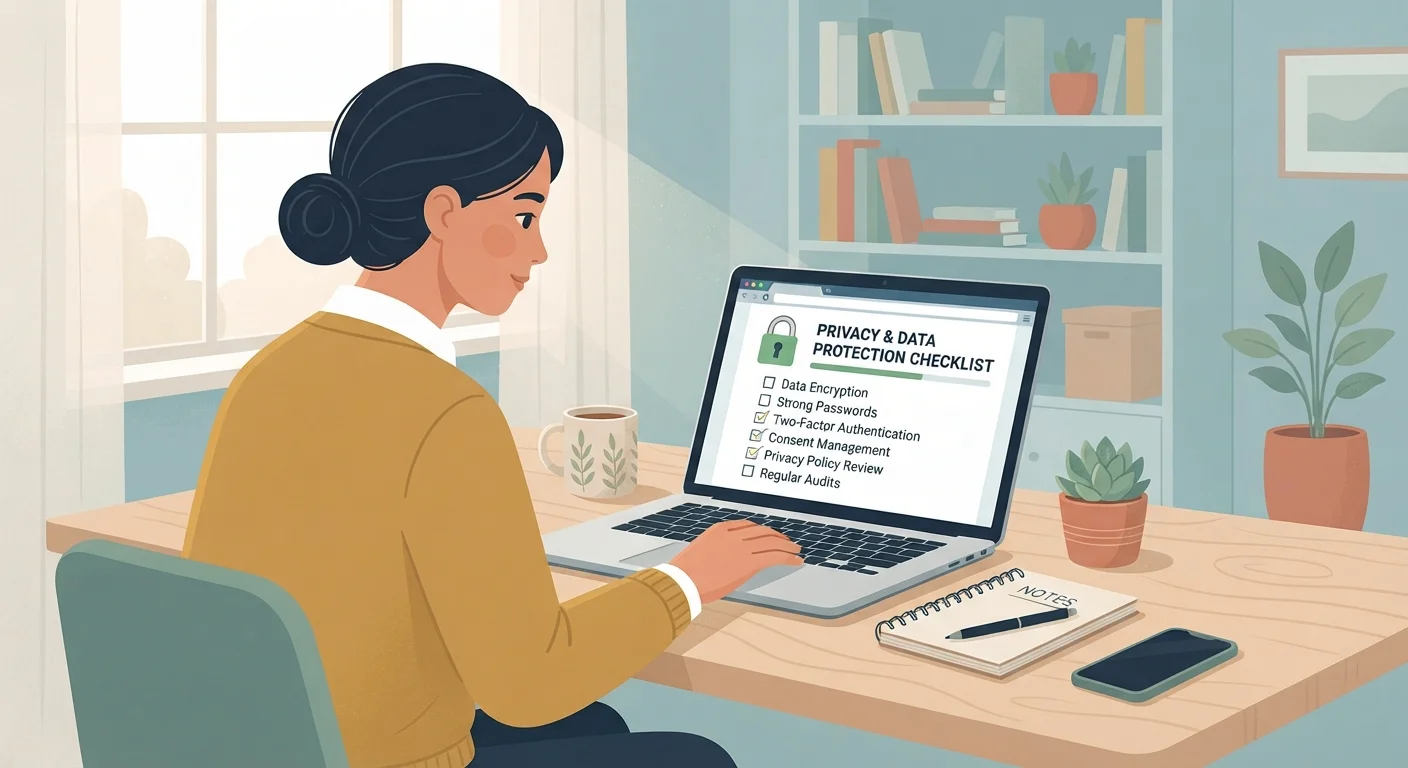
Person reviewing a digital privacy checklist on a laptop at a tidy home desk.

Key Takeaways

Weak or reused passwords remain one of the most common causes of account compromise.
Most apps and social platforms collect more data than users realize — review permissions regularly.
Two-factor authentication adds a critical barrier even if a password is stolen.
Old, unused accounts still hold personal data and pose ongoing exposure risks.
Your browser settings can quietly enable or block significant amounts of tracking.
30–60 min

Summary

22 items · 30–60 minutes

Why a Privacy Audit Matters

Most people set up accounts, apps, and devices once — then never revisit the defaults. Over time, those defaults quietly accumulate: old email addresses tied to forgotten services, app permissions granted years ago, and social media settings that have shifted with platform updates. A privacy audit is simply a structured review of your digital footprint, designed to help you spot gaps before they turn into problems.

This checklist is built for non-technical users. You don't need special software or expertise — just time, a device, and the willingness to check a few settings. If you're new to the underlying concepts, our complete privacy starter resource covers the foundational ideas worth understanding first.

Work through each group at your own pace. Some items take seconds; others — like cleaning up old accounts — may take a little longer. The goal is a clearer picture of where you stand, not perfection overnight.

Passwords and Authentication

Audit your passwords and replace any that are reused across multiple accounts with unique ones. Reused passwords are one of the leading causes of account compromise. Must
Enable two-factor authentication (2FA) on your email, financial accounts, and any other high-value logins — 2FA requires a second verification step beyond your password. Must
Use a password manager to generate and store strong, unique passwords so you don't have to memorize them. Should
Check whether any of your email addresses appear in known data breaches using a reputable breach-checking service. Should

Account and App Cleanup

List all the online accounts you actively use and identify any that are dormant — close or delete accounts you no longer need. Must
Review which apps have access to your Google, Apple, or Facebook account via single sign-on and revoke access for any you no longer use. Must
Check your email inbox for sign-up confirmations from services you've forgotten about and unsubscribe or delete those accounts. Should
Review subscriptions tied to your accounts to catch services you're paying for but no longer need — a subscription audit checklist can help streamline this step. Nice to have

Device and App Permissions

Open your phone's settings and review which apps have access to your location — restrict this to apps that genuinely require it, and prefer 'while using' over 'always on'. Must
Review camera, microphone, and contacts permissions on your phone and revoke access for any app that doesn't have a clear, legitimate reason. Must
Check notification permissions and disable them for apps that send unnecessary alerts, since some apps use notifications to track engagement. Nice to have

Social Media Privacy Settings

Set your social media profiles to private or 'friends only' if you don't intend for your content to be publicly indexed. Must
Review the audience for past posts on each platform and tighten visibility where needed. Should
Check whether your phone number and email address are visible on your social profiles and hide them if they aren't needed for contact. Should
Review ad personalization settings and opt out of interest-based advertising where the platform allows it. Nice to have

Browser and Search Habits

Review your browser's privacy settings — disable third-party cookies if your browser supports it, and enable tracking protection where available. Must
Clear your browser's stored cookies, cached data, and saved passwords if you're sharing a device or changing your security setup. Should
Consider switching your default search engine to one with a stricter data-minimization policy if search history tracking is a concern. Nice to have

Email and Communications

Enable login alerts or suspicious activity notifications on your primary email account so you're aware of unauthorized access attempts. Must
Review devices that are currently logged into your email and sign out of any you don't recognize or no longer use. Must
Be cautious about which apps you grant full email access to — check authorized apps in your email provider's security settings and revoke unnecessary access. Should

Tools That Make the Audit Easier

You don't need every tool listed here, but having the right ones on hand will make this process faster and the results more durable.

Required

Password Manager

Generates strong, unique passwords for every account and stores them securely so you only need to remember one master password.

Required

Breach-Checking Service

Lets you enter your email address to see if it has appeared in publicly known data breaches.

Required

Your device's Settings app

Used to review and revoke app permissions for location, camera, microphone, and contacts on your phone or tablet.

Required

Browser Privacy Settings Panel

Built into every modern browser, this is where you control cookie behavior, tracking protection, and saved site data.

Required

Email Provider's Security Dashboard

Most email providers offer a security or privacy section showing logged-in devices and authorized third-party apps.

Optional

Authenticator App

Generates time-limited codes for two-factor authentication, offering stronger protection than SMS-based codes.

After the Audit: Keeping Privacy Maintained

Completing this checklist once is a solid start, but privacy is an ongoing practice rather than a one-time fix. Schedule a reminder to revisit these items every six to twelve months, or whenever you get a new device, change jobs, or start using a significant new service.

A few areas deserve extra ongoing attention. Your browser is one of the most active data-collection points on your device — see which browser privacy settings are worth turning on for a focused walkthrough. Social platforms also change their privacy controls frequently, so reviewing platform-by-platform privacy controls periodically is worthwhile.

Finally, don't underestimate the role of accurate beliefs. Some widely held privacy assumptions — like the idea that incognito mode makes you invisible online — can give a false sense of security. Common online privacy myths are worth reviewing so your efforts are focused where they actually count.

Don't Skip the Inactive Account Step

Old accounts you haven't used in years can still hold your name, address, payment details, or photos — and they're often protected by outdated, weak passwords. If a service suffers a data breach, those dormant accounts are just as exposed as active ones. Deleting accounts you no longer use is one of the simplest ways to shrink your data footprint.

Verify Breach-Checking Tools Before Using Them

Only enter your email address into well-established, reputable breach notification services. Entering your email into an unknown or poorly reviewed site could itself expose your information. Check user reviews and independent coverage before trusting any tool with your data.

Tech Editorial Team is the collective byline for our editorial team and contributor network. Articles published under this byline or an editorial pen name are researched, written, and reviewed according to our editorial standards for clarity, consistency, and independence before publication.

View all articles by Tech Editorial Team →
Disclaimer: The content on this site is for informational purposes only and is not a substitute for professional advice. Always consult a qualified professional for guidance specific to your situation.