

Key Takeaways
What Incognito Mode Actually Does
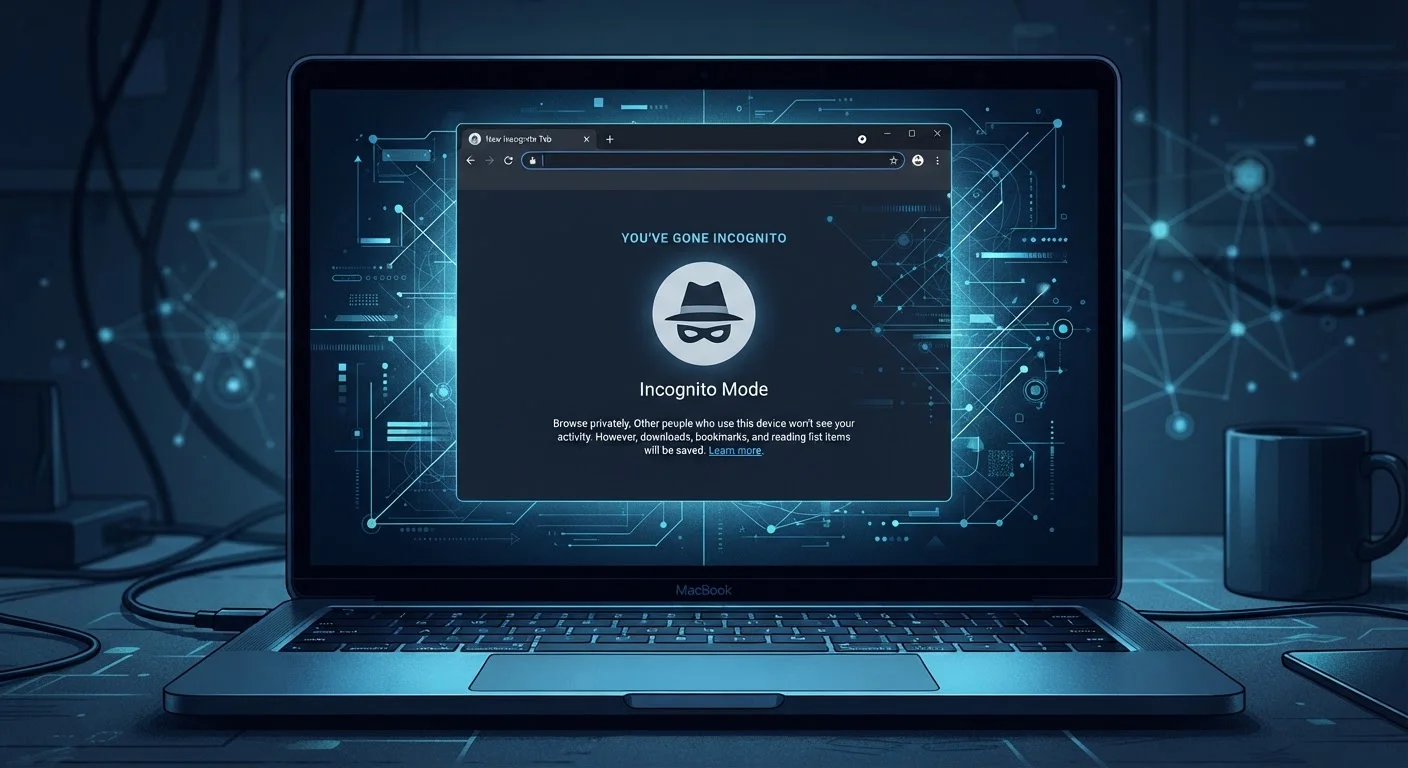
Private browsing — called Incognito in Chrome, Private Window in Firefox and Safari — does one thing reliably: it prevents your browser from saving a local record of that session. When you close the window, your browsing history, cookies, form entries, and temporary files from that session are deleted from your device.
That's genuinely useful in specific situations: borrowing a friend's computer, shopping for a gift on a shared laptop, or simply keeping one session from bleeding into another. But the scope of that protection is much narrower than most people assume, and the gap between perception and reality creates real privacy risks.
To understand what incognito doesn't do, it helps to know what happens every time you visit a website. Your request travels through your internet service provider's network, through a chain of servers, before reaching the destination. Incognito doesn't change any of that. See our plain-language walkthrough of how web requests work for context on what's happening behind the scenes.
Myth
Incognito mode makes me anonymous online — websites can't see who I am.
Fact
Websites still see your IP address, browser type, and device details, which can identify you even without cookies.
Your IP address is the network identifier assigned to your connection — and it's visible to every website you visit regardless of your browser mode. Combined with your screen resolution, installed fonts, and browser version (a technique called browser fingerprinting), sites can often recognize you across sessions without ever placing a cookie. Incognito does nothing to mask these signals.
Myth
My internet provider can't see what I'm doing in incognito mode.
Fact
Your ISP sees all traffic flowing through its network, including the sites you visit in private browsing mode.
Incognito only affects what's stored on your device. It doesn't encrypt your traffic or change the route it takes. Your internet service provider can see the domains you visit, when you visit them, and how much data is exchanged. If you're on a workplace or school network, the network administrator has the same visibility. The mode offers no protection at the network level.
Myth
If I log into a website while in incognito mode, my activity stays private.
Fact
The moment you sign in, the site links everything you do in that session to your account and identity.
Authentication is the end of anonymity. When you log into Google, Facebook, or any other service, that platform can record your activity just as it would in a normal session — and associate it with your profile. The local history won't appear on your device after you close the window, but the platform's own records are unaffected. Incognito doesn't prevent server-side logging.
Myth
Incognito mode protects me from viruses and malware.
Fact
Private browsing has no security features that block malicious software or protect against phishing attacks.
Incognito is a privacy tool, not a security tool — and those are different things. If you download a file infected with malware or enter credentials on a phishing page, incognito provides zero protection. Your device's antivirus software, your browser's built-in safe browsing warnings, and your own skepticism toward suspicious links are what matter here. Don't let the dark-themed window create a false sense of security.
Myth
Incognito prevents all tracking — advertisers can't follow me across the web.
Fact
Third-party trackers, tracking pixels, and browser fingerprinting still work in private browsing sessions.
Many websites embed third-party scripts — from ad networks, analytics platforms, and social media buttons — that track visitor behavior. These scripts can still run in incognito mode, collecting data during your session. Tracking pixels embedded in emails and web pages operate the same way. Blocking these requires dedicated tools such as content blockers, tracker-blocking browser extensions, or privacy-focused browsers — not simply switching to a private window. Learn more about common online privacy myths that give people a false sense of security.
What You Should Use Instead — and When
If incognito mode has real limits, what actually protects you? The answer depends on what you're trying to guard against.
~40%
Users who believe incognito hides activity from ISPs
A study by researchers at Leibniz University Hannover found that a significant share of users hold incorrect beliefs about what private browsing actually conceals.
3+
Data points needed to fingerprint a browser
Research published by the Electronic Frontier Foundation found that browser fingerprinting can uniquely identify users using just a handful of technical attributes.
For hiding your activity from your internet service provider or network administrator, a reputable VPN encrypts your traffic before it leaves your device — though it shifts trust to the VPN provider rather than eliminating it entirely. Understand what VPNs actually protect before relying on one.
For reducing tracking across websites, adjusting your browser's built-in privacy settings is more effective than incognito. These browser privacy settings can meaningfully reduce how much data advertisers and third parties collect without disrupting your regular browsing.
For a broader look at your overall exposure, a structured review of your accounts and habits is more actionable than any single tool. The Online Privacy Audit Checklist walks you through that process step by step. And if you want to build a solid foundation of privacy knowledge, Digital Privacy From the Ground Up covers the core concepts every non-technical user should know.
Incognito Is Not a Privacy Shield
If you are relying on incognito mode to protect sensitive activity — medical research, financial browsing, or anything you need to keep confidential — you need additional tools. Consider a trustworthy VPN, a privacy-focused browser, and adjusted tracker-blocking settings. Incognito alone is not sufficient for meaningful privacy protection.