

Key Takeaways
End-to-End Encryption
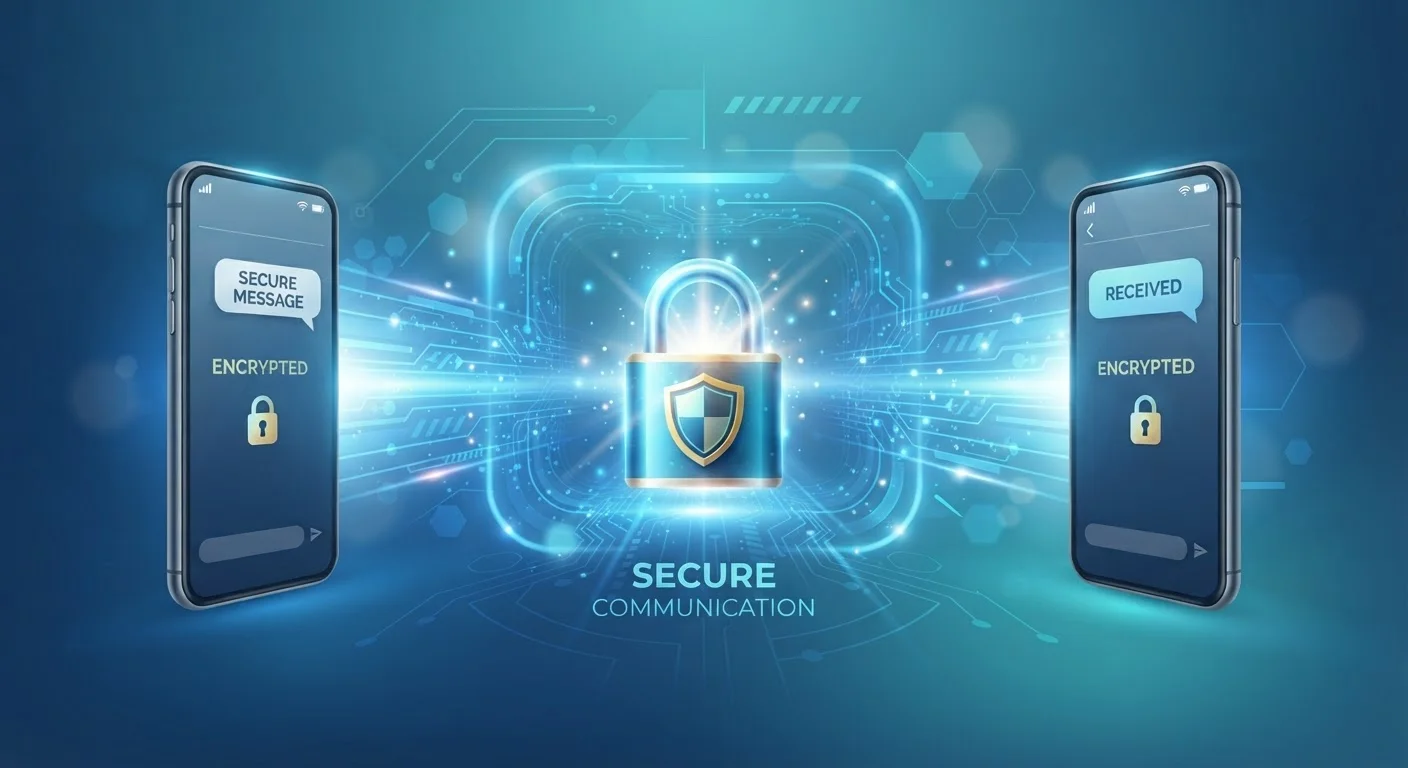
End-to-end encryption (E2EE) is a method of securing digital communication so that only the sender and the intended recipient can read the content. The message is scrambled (encrypted) on the sender's device and can only be unscrambled (decrypted) on the recipient's device. No one in between — not the app company, not your internet provider, not a hacker intercepting the data — can read what was sent.
E2EE uses asymmetric cryptography: each user holds a public key (shared openly) and a private key (stored only on their device). Messages encrypted with a recipient's public key can only be decrypted by their matching private key.
The Lock-and-Key Analogy That Actually Makes Sense
Imagine you write a letter, seal it in a special lockbox, and only the recipient holds the key to open it. Even the postal service — or anyone who intercepts the package along the way — cannot read what's inside. That's essentially what end-to-end encryption does for your digital messages.
When you send an encrypted message, your device automatically scrambles it into unreadable code before it leaves. The message travels across the internet in that scrambled form. When it arrives at the recipient's device, their device automatically unscrambles it. The key that does the unscrambling never leaves their device, which is what makes the system so powerful.
This is fundamentally different from how older or less secure messaging works, where a company's servers might store your messages in a readable form — meaning employees, hackers, or government requests could potentially access them.
“Encryption is the most important privacy-preserving technology we have. It is used by billions of people every day to protect their communications, finances, and safety.”
— Bruce Schneier, Security technologist and author of multiple books on cryptography and digital privacy
Why This Matters for Everyday People
You might think, "I'm not hiding anything — why does encryption matter to me?" But privacy isn't only about hiding wrongdoing. Consider what you send in messages every day: health concerns you've shared with a friend, your bank account details, photos of your children, or private relationship conversations. Without encryption, that content could be exposed if a company's servers are breached, if your data is sold, or if it is accessed without your knowledge.
81%
Americans concerned about how companies use their data
According to Pew Research Center survey data on Americans and privacy.
2B+
WhatsApp users protected by default E2EE
WhatsApp has applied end-to-end encryption by default to all messages since 2016, per the company's published documentation.
End-to-end encryption is one of the most concrete, low-effort ways to protect yourself. For a broader foundation on staying safe online, see our complete digital privacy starter guide, which covers encryption alongside other essential concepts like passwords and tracking.
What End-to-End Encryption Does Not Protect
E2EE is powerful, but it has real limits you should understand so you don't rely on it for protection it wasn't designed to provide.
- Metadata: Encryption hides the content of your message, but not always who you sent it to, when, or how often. This communication pattern data can still be collected by service providers.
- Device access: If someone picks up your unlocked phone, encryption offers no protection — the messages appear in plain text on screen.
- Backups: Cloud backups of your messages may not be encrypted end-to-end. For example, some messaging apps store chat backups on third-party cloud services without full E2EE, depending on your settings.
- The other person's device: If your recipient's device is compromised or they share your messages, encryption cannot prevent that.
Check Your Cloud Backup Encryption Settings
Open your messaging app's settings and look for backup or chat history options. Some apps offer the ability to encrypt cloud backups with an additional password or key. Enabling this ensures your message history stays protected even when stored outside the app. Check your specific app's help center for step-by-step instructions.
Understanding these limits helps you use E2EE as one layer of a broader privacy approach rather than a complete solution on its own.
How to Know If Your Messages Are Actually Encrypted
Not all messaging apps encrypt messages end-to-end by default, and some only do so in specific modes. Here's how to check:
- Look for an in-app indicator: Many apps display a lock icon or the word "encrypted" in a conversation when E2EE is active.
- Check the app's privacy documentation: Reputable apps publish details about their encryption practices in their privacy policy or help center.
- Know the difference between "encrypted" and "end-to-end encrypted": Some services encrypt data in transit or at rest on their servers, but still hold the keys — meaning they can technically access your content. True E2EE means the provider holds no key.
If privacy is a priority for you, choosing an app that applies E2EE by default to all conversations — rather than as an opt-in feature — removes the risk of accidentally sending an unencrypted message.