15 Hidden Apple Watch Hacks Every User Should Try
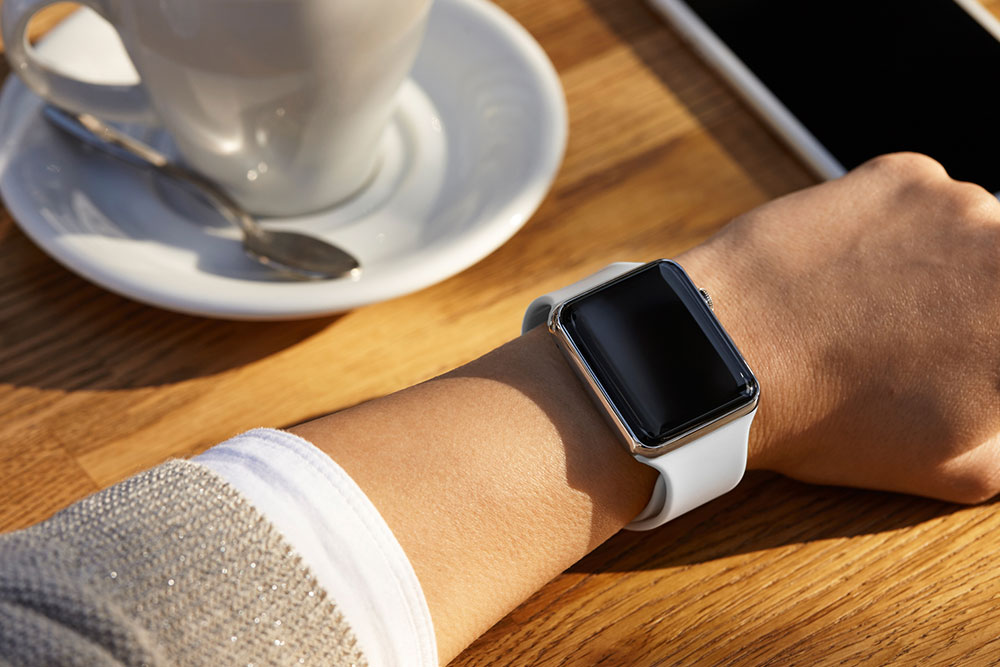
While many smartwatches are available from different brands, people are often attracted to the Apple Watch. The latest models, such as the Apple Watch Series 8 and the Apple Watch Series 9, use advanced technology and offer an incredible experience. But unfortunately, some are unaware of the hidden features of these watches that could make their lives easier. Here are 15 lesser-known hacks Apple Watch users must check out right away.
1. Customize the watch face
Every Apple Watch has a default watch face. However, users can customize it by changing the background color, font style, and other elements. One can also save a customized watch face for later use. Those who do not want to customize can choose a pre-designed option. Long-pressing the current watch face and then swiping will reveal the available watch faces.
2. Share contacts with NameDrop
With watchOS 10, individuals can easily and securely share contact information and photos with someone else. One way to do this is by tapping the My Card watch face complication and bringing the device face-to-face with someone else’s Apple Watch.
3. Use the watch to unlock an iPhone or Mac
Using the Apple Watch to unlock one’s iPhone and Mac can save time and hassle. One can enable this feature on the iPhone by going to Settings > Face ID & Passcode > Unlock with Apple Watch. Users can now unlock their phone by glancing at their watch’s screen. However, for this to work, one must ensure their watch is passcode-protected, unlocked, and worn correctly.
4. Control an Apple TV with the watch
The Apple Watch allows users to control an Apple TV from their wrists. One can navigate through menus, adjust the volume, play, pause, and even use Siri to search for shows and movies. Individuals can set up this feature by visiting the Remote app on the watch.
5. Navigate text using Digital Crown
Digital Crown can help users navigate text messages on the watch. One can rotate the crown downward to get to the bottom of the text and upward to navigate to the top. This feature can help fix typos and edit messages easily.
6. Access a last-used app quickly
Individuals can customize the Apple Watch to ensure their last-used app is displayed whenever the device wakes up. To do this, one must open the Settings app on the watch and navigate to General > Wake Screen > On Screen Wake Show Last App.
7. Start a group FaceTime
Group FaceTime lets one connect with multiple people (up to 32) simultaneously from the Apple Watch. It is an exciting feature to catch up with friends, collaborate on a project, or host a virtual gathering. One can initiate group FaceTime from the watch’s Phone app.
8. Wikipedia anything
The Apple Watch has no built-in browser but can access Wikipedia through Siri. Users can ask the voice assistant to describe a specific term, and it will pull up a concise summary. It’s a quick and easy way to get information at one’s wrist.
9. Use a palm to mute alerts
This feature is handy for users needing to silence their devices quickly. One can enable it by going to My Watch > Sounds & Haptics > Cover to Mute. Individuals can now cover the watch with their palms to mute alerts.
10. Locate an iPhone with the watch
If users misplace their iPhone, the Apple Watch can help locate it. All one has to do is go to the Control Center and tap a specific button to make the iPhone beep and its flashlight flash. This nifty feature saves time and frustration when searching for a misplaced phone.
11. Enable the handwashing timer
With the increasing importance of hygiene, this feature comes as a game-changer. The handwashing timer uses motion sensors and audio cues to ensure users wash their hands for 20 seconds. To turn on handwashing alerts, one must open the Settings app on the watch, tap Handwashing, and then choose Turn on Handwashing Timer.
12. Explore the Water Lock mode
When swimming or engaging in water sports, users can turn on the Water Lock feature by opening the Control Center and clicking the water drop icon. This feature prevents accidental input and swipes due to water contact.
13. Reboot the watch to fix errors
Holding the Digital Crown and the side button for at least ten seconds will force the watch to restart. This is a good solution if the Apple Watch malfunctions or hangs. Restarting the watch may fix minor issues and get it back up and running.
14. Increase text size
Apple has made it possible to use larger text on the Apple Watch. To do this, one must open the Settings app, scroll down to Brightness & Text Size, and adjust the text size to their liking.
15. Use heart monitoring
The Apple Watch can record an electrocardiogram (ECG/EKG). However, this feature is not a substitute for a visit to a cardiologist. Users should see a doctor if they have any concerns about their heart health.
The features discussed here may not be available on older versions of the Apple Watch. Hence, it’s safe to invest in a newer model, such as the Apple Watch Series 8 and the Apple Watch Series 9.